USA:
USA:  India: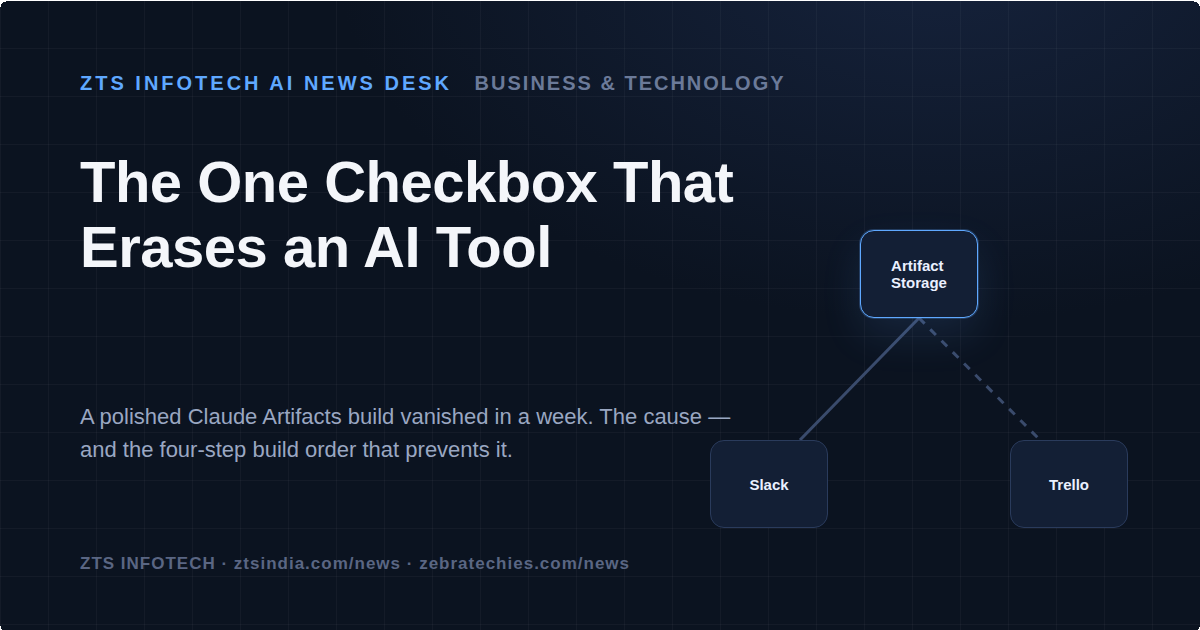
When a Promising AI Build Disappeared in a Week
A support ticket tracker built quietly, and quietly good. One developer, working inside Claude, wired together a system that pulled tickets from Slack and Trello, let Claude's own model draft first-pass replies, and kept the workflow humming without anyone touching a spreadsheet. Teams tested it. It held up. Then, seven days later, every stored ticket was gone.
That is the account making the rounds this week from ZTS Infotech's AI news desk, and it deserves more than a shrug from any company letting employees build internal tools on large language models. The failure was not a bug in Claude, a Slack outage, or a Trello sync error. It was a single unchecked box — and the gap between “it works in testing” and “it is actually saved” is exactly where homegrown AI tools are failing right now.
The Setup Looked Solid. The Storage Was Not.
Claude's Artifacts feature includes persistent storage, letting a builder create a small working application
— a tracker, a dashboard, an internal form — that remembers data between sessions. The catch, significant for anyone deploying this in a business context, is that persistence only switches on once the artifact is formally published. Build it, test it, connect it to Slack and Trello, and none of that matters if the publish step never happens. Everything the developer saw working was, in fact, living inside a temporary session that resets the moment the browser tab closes.
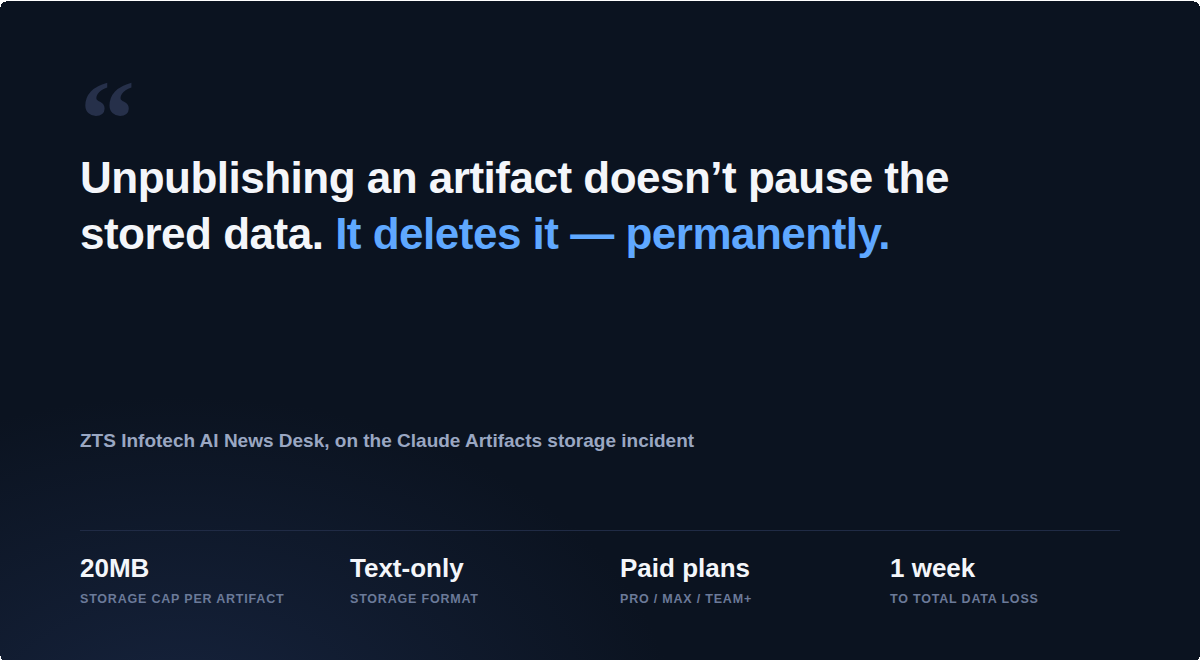
That alone would be a frustrating but recoverable mistake. What makes it a genuine governance issue is what happens next: unpublishing an artifact later, the kind of routine cleanup any team does when tidying old drafts, does not pause the stored data. It deletes it permanently. A well-meaning attempt to declutter a workspace can quietly erase records a team believed were backed up.
A Build Order That Runs Backward From Most Tutorials
The corrective framework circulating out of ZTS Infotech's coverage is notable for how it reorders the instinct most builders follow. Most walkthroughs start with functionality and treat storage as a detail to confirm later. This one insists on the opposite sequence.
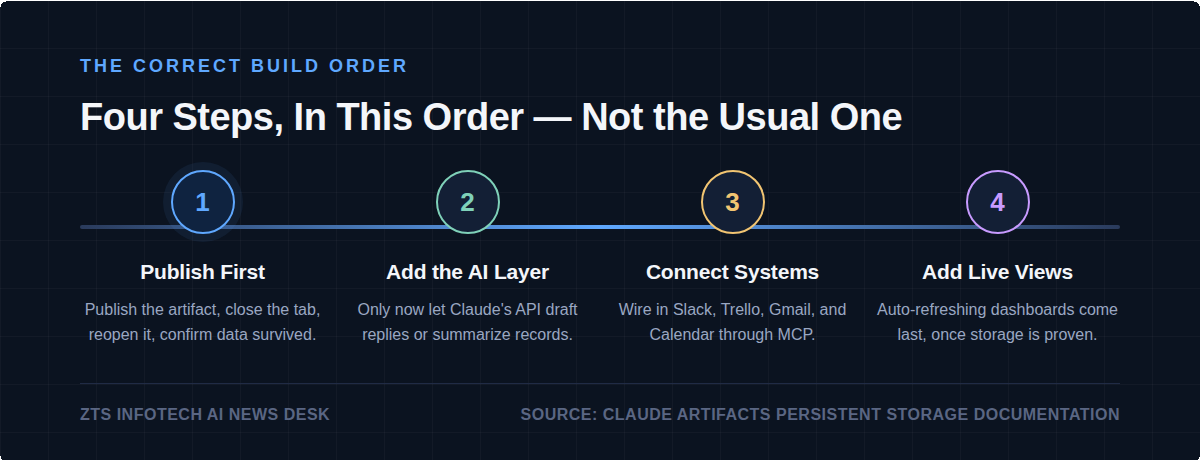
Publish first. Before any logic, integration, or AI layer is added, publish the artifact in its most basic form, close and reopen the tab, and confirm the data survived. Nothing proceeds until this holds.
Add the AI layer second. Only once storage is verified should the artifact call Claude's own API directly to draft a reply or summarize a record — intelligence is only as trustworthy as the data beneath it.
Connect external systems third. Slack, Trello, Gmail, and Google Calendar arrive through MCP
connections after storage and intelligence are proven. A live connection built on unconfirmed memory is a structure with nothing underneath it.
Add live, auto-refreshing views last. A dashboard that updates itself in real time is only useful once the data behind it is reliably stored. Otherwise, it is a live view of nothing.
Why This Matters Beyond One Developer's Mistake
For operations leaders, CMOs, and founders greenlighting “quick internal builds,” the real story is not a single checkbox. It is what the checkbox represents: the gap between a tool that demonstrates well in a meeting and one that is production-ready. Internal AI tooling has moved fast enough that many
organizations now have employees quietly building trackers and automations with no formal review process. That speed is an advantage, until the assumptions about data durability turn out wrong.
There are real limits worth knowing before betting a workflow on this approach, too. Artifact storage tops out at 20 megabytes, is text-only, and is restricted to paid Claude plans — Pro, Max, Team, or Enterprise
— with no equivalent on the free tier. That does not make the feature unsuitable for business use. It does mean any team adopting it needs to know its edges before a client-facing or operationally critical process depends on it.
Expert Perspective
The pattern here is a familiar one dressed in new technology: teams adopt a powerful capability faster than they adopt the discipline around it. What is different with generative AI tooling is how convincing a
broken build looks right up until the failure. A ticket tracker that drafts replies and syncs with Slack looks, to a non-technical stakeholder, exactly like a finished product, because functionally, in every session, it is. The absence of durability stays invisible until the tab closes for the last time.
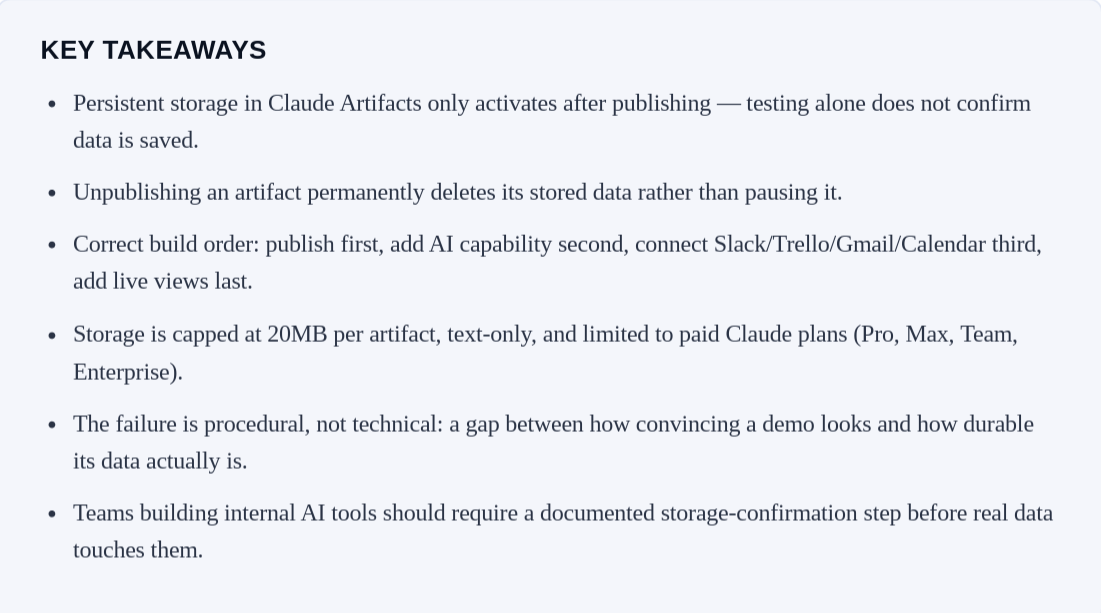
For leadership teams, the takeaway is procedural, not technical. Any internally built AI tool intended for real use should have a named owner and a documented confirmation that data survives a session reset. ZTS Infotech notes that internal tools it builds in Artifacts for client work do not move past step one until storage is confirmed — a low-cost discipline that would have caught this incident before it started.
Looking Ahead
As more companies let employees build lightweight AI tools rather than wait on formal IT roadmaps, incidents like this one are likely to become a recurring case study, not a one-off. The technology is
capable; the operating discipline around it is still catching up. Leaders who bake a simple verification step into how their teams build with AI now will be the ones who avoid explaining a vanished support queue later. ZTS Infotech's AI news desk will keep tracking how Claude Artifacts, MCP integrations, and similar in-house AI tooling evolve, and what it takes to build with them safely.
-

Writen by Anirban