USA:
USA:  India:
 OpenAI's coding assistant now watches screens and clicks through software that was never built with an API — and ZTS Infotech has already tested it on real client workflows.
By ZTS Infotech News Desk • August 2026 •
.jpg)
Introduction
Most developers still describe OpenAI's Codex as a code-writing assistant. According to Anirban Das, presenting on ZTS Infotech's AI News Desk, that description is already six months out of date. Codex has quietly become something closer to a digital employee: a system that watches a screen, clicks buttons, types into fields, and completes multi-step tasks inside applications never built with any automation hook in mind. For leaders still filing Codex under “developer tooling,” the shift is worth a second look. Tools that used to require a clean API to automate no longer do — and that changes which processes are worth automating at all.
From Code Generator to Screen Operator
The distinction matters more than it first appears. Traditional automation scripts depend on an API — a defined, software-facing “door” a program can walk through to move data or trigger actions. Most real business software, especially older internal tools, was never built with that door in mind. Codex's newer capability sidesteps the requirement entirely: it observes the literal screen the way a person does and interacts with buttons and menus visually, which means it can operate on legacy desktop software and websites never designed to be automated. Das frames it plainly: not a coding assistant, but “a very capable junior employee who never gets tired of repetitive digital work.”
Two Real Tasks, Not a Demo
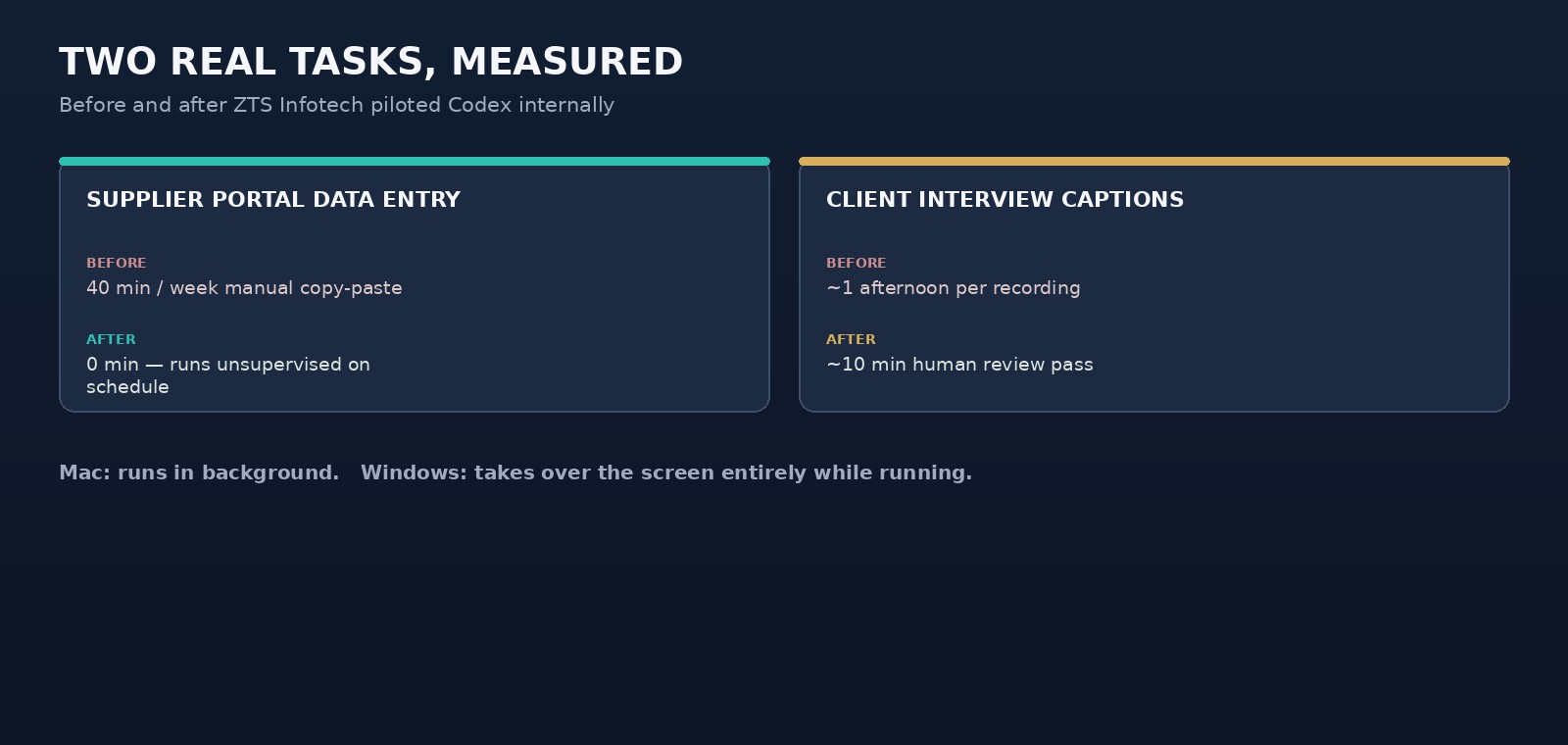
What separates this from marketing hype is that ZTS Infotech tested it on its own operations first. The first case involved a client's internal supplier portal — a legacy web tool over a decade old, with no API whatsoever. Every week, a team member logged in manually, clicked through four pages, and copied delivery-status data into a spreadsheet by hand: 40 minutes of work with, as Das puts it, “zero intellectual difficulty.” Codex logged into the same portal with a saved session, clicked through the same four pages, read the delivery data off the screen, and compiled it into the team's existing spreadsheet format — unsupervised, on a schedule, without anyone touching it.
The second example had nothing to do with code. ZTS Infotech's content team previously watched long client-interview recordings and manually wrote social captions afterward, a task that ate an entire afternoon per recording. Handed the raw video instead, Codex watches the footage, pulls out the usable moments, and drafts platform-ready captions for review — cutting that afternoon down to roughly ten minutes.
The Honest Limitation
Das is careful to flag a real constraint rather than gloss over it. On Mac, this capability can run quietly in the background while a person keeps working. On Windows, it currently takes over the screen entirely
— the machine is unusable for anything else while it runs. That's not a minor footnote: it decides whether this fits a normal workday or needs scheduling like an off-hours batch job.
Industry Implications
Screen-operating AI agents — sometimes called “computer use” systems — mark a shift in how automation gets evaluated. The traditional question, “does this software have an API,” is no longer the gating factor it once was. That opens automation to legacy tools and internal systems previously written off as permanently manual because a custom integration was never worth the engineering cost.
OpenAI has been developing this “computer use” direction as part of Codex's broader agentic capabilities (see OpenAI's documentation at openai.com), and ZTS Infotech's early pilots suggest the gap between “automatable” and “not automatable” software is shrinking faster than most teams have priced in.
Practical Business Takeaways
- Re-audit your “impossible to automate” list. Legacy portals and API-less tools once written off are now realistic candidates.
- Start with pure repetition, not judgment calls. The clearest wins are tasks with “zero intellectual difficulty” — data entry, status checks, form-copying.
- Plan around the platform limitation. On Windows, screen-takeover means treating it like a scheduled batch job, not background work.
Pilot on your own team first. ZTS Infotech tested this internally before recommending it to clients.
Challenges and Opportunities
The challenge is trust and supervision. Handing an AI agent control of mouse and keyboard on a system holding real client data requires confidence in saved-session security and a clear boundary on what it's allowed to touch. The opportunity is that this targets exactly the tasks employees dislike most: repetitive, screen-based busywork that builds no real expertise. Recovering even a few hours a week per employee compounds quickly across a team.
Expert Perspective
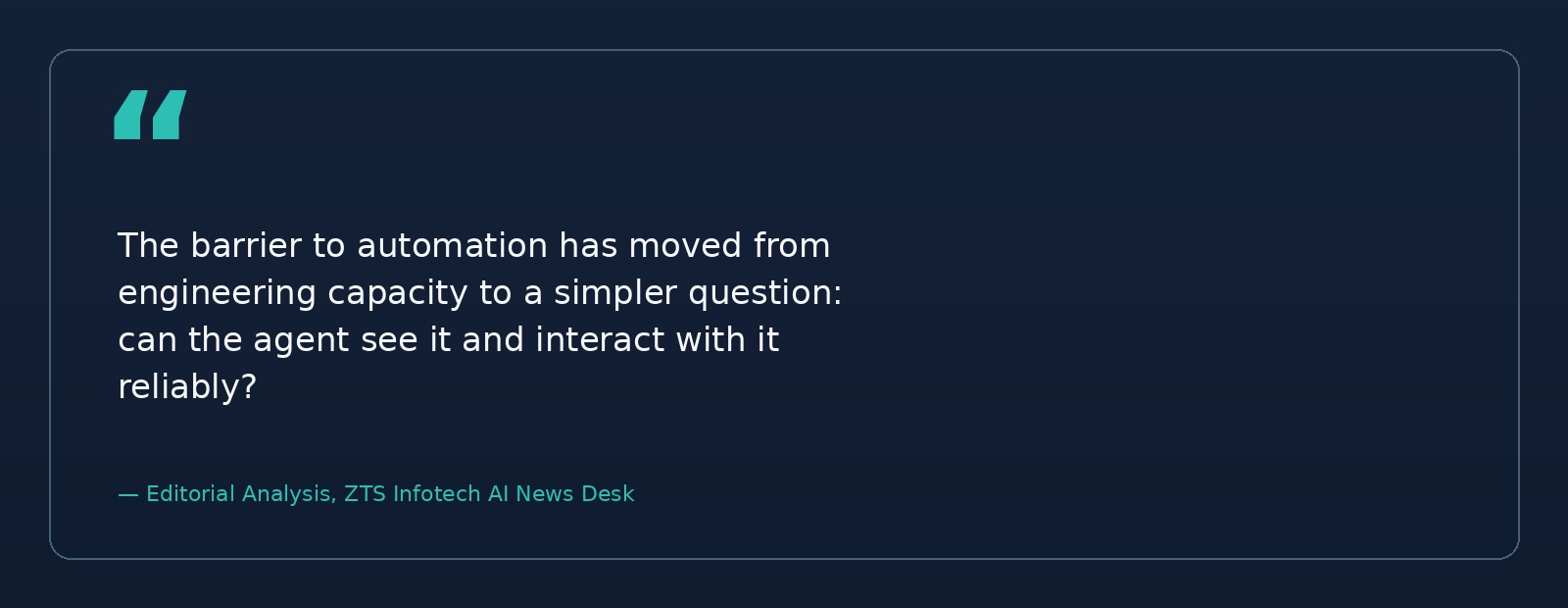
The meaningful shift isn't that AI can now click buttons — it's that the barrier to automation has moved from engineering capacity to simple testing. Previously, automating a legacy tool meant
reverse-engineering it or building a custom integration, work that rarely justified itself for a 40-minute weekly task. Now the question is just whether the agent can see it and interact with it reliably. That reframes a large category of “not worth automating” work as worth a second look. Expect more vendors to formalize computer-use agents over the coming year, and expect gaps like the Windows
screen-takeover issue to close as the category matures.
Key Takeaways
- Codex has expanded from a code-writing tool into a screen-operating agent that completes tasks visually, without needing an API.
- It can automate legacy software, internal portals, and websites never built to be automated.
- ZTS Infotech cut a 40-minute weekly manual data-entry task to zero hands-on time using this capability.
- The same approach turned an afternoon of caption-writing from video into a ten-minute review.
- On Windows, the tool takes over the entire screen while running; on Mac, it runs in the background.
- The best early candidates are repetitive, low-judgment tasks, not decisions requiring nuance.
- The barrier to automating old software has shifted from engineering cost to feasibility testing.
Conclusion
Codex's evolution from autocomplete tool to desktop operator is easy to miss if the last mental model formed was six months old — which, as Das notes, is exactly the problem. Businesses running legacy, API-less software no longer have a clean excuse to leave those workflows fully manual. The practical
move now is not a full rollout, but a short internal pilot on the most tedious task on the list — much as ZTS Infotech did before recommending the approach to clients.
-

Writen by Anirban Das