USA:
USA:  India: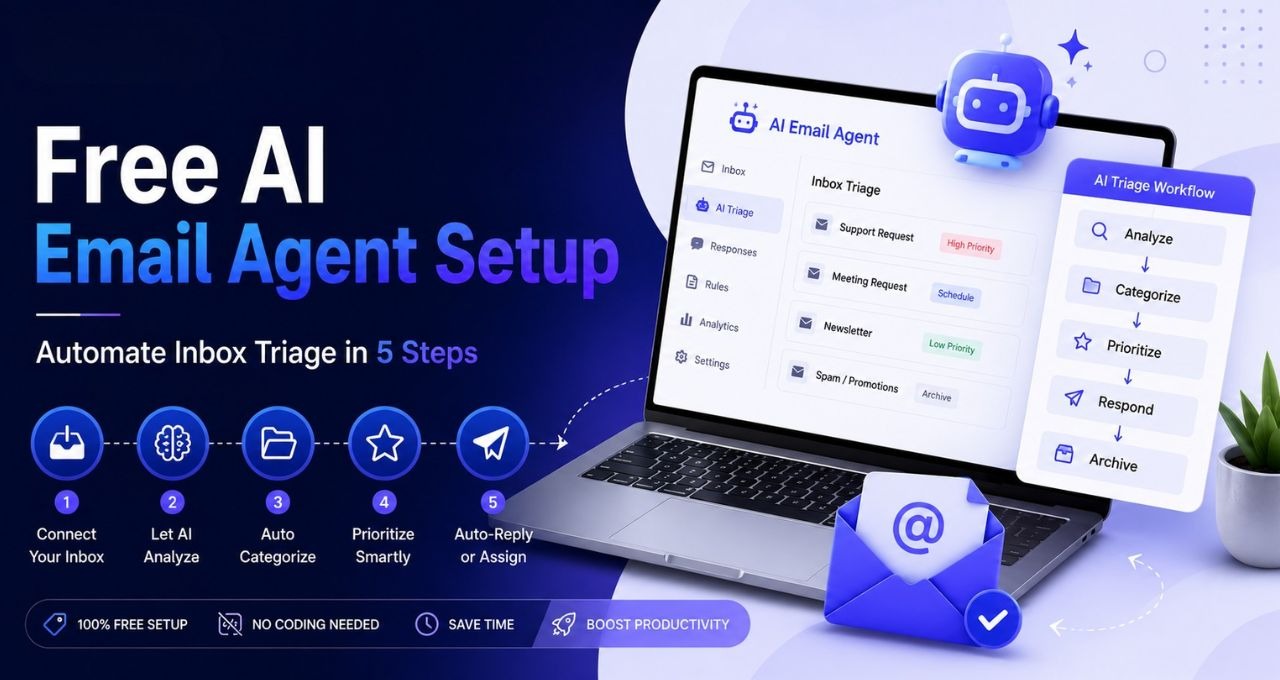
Executive SummaryZTS Infotech has released a concrete, actionable process for developing an AI-based email triaging system that organizes emails, prioritizes urgent emails, and writes responses using free, no-code apps. The process is executed through n8n, an open-source automation tool, in tandem with a free AI tool like Google's Gemini Flash. This exact process is in use by their clients in India, the UK, and the US at present and saves their clients 45 to 90 minutes of time every day managing emails. For businesspeople who feel swamped by their emails, this is not something far off in the future but a process that they can implement now. |
E-mail continues to be one of the least exciting and most labor-intensive aspects of doing business. Separating what is important from what is just routine, figuring out what e-mails require a response and which ones don't, writing another five responses to the same questions you get all the time - this takes its toll, silently consuming hours that could be used more effectively elsewhere.
The difference now is that resolving these issues does not necessitate hiring a programmer or using enterprise software. The latest version of ZTS Infotech provides a definite construction for building: hooking up Gmail to an AI model via an automated application, giving it a set of rules, and letting it do the initial sorting of e-mails, while leaving control of the process of writing back to a person.
What Happened?
ZTS Infotech went through the whole flow configuration process that is used by its paying customers with the help of n8n, a completely free and open-source workflow automation tool without any coding required. The configuration involves connecting a Gmail inbox to an AI model like either OpenAI’s GPT-4o Mini or Google’s Gemini Flash, which provide free access to their models, and tasking this AI to do some reading, classification, writing brief replies, and highlighting urgent emails.
The flow configuration process includes five main steps: creating a free account at n8n, creating a flow based on the incoming Gmail messages trigger, using an AI agent node with a system prompt, sending the drafted replies to the Gmail drafts folder but not sending them automatically, and testing this on a dedicated Gmail label first.
However, there are certain details about the prompt that should be noted. The prompt that was presented in the video says that all the emails must be classified as one of the following: a sales inquiry, a support question, an urgent issue, or a newsletter. Then, one needs to send a two-sentence response to it, and all the urgent issues should be highlighted immediately.
Key Insights
This is triage automation, but it's not automation on autopilot. The whole idea is to keep the human-in-the-loop aspect of it by sending the replies drafted using AI into the drafts folder and not sending them. It just took one decision to solve the major problem that most business owners had with automated communication — loss of control.
Cost is not an issue any longer. With a combination of free tiers of n8n and free access to the Gemini Flash API, the whole thing is fully operational without any cost for low email volumes. This breaks the common logic that the automation process becomes relevant only when it is on an enterprise level.
Label testing makes perfect sense as a risk management mechanism. Instead of setting the agent loose on all incoming emails in the very beginning, the suggested approach would be limiting it only to the Gmail label in the first week — it's a low-risk and high-accuracy test.
Real-world numbers instead of predictions. ZTS Infotech states that this particular configuration has been successfully used in real-life client accounts where 45 to 90 minutes daily were saved from email triage only.
Why This Matters for Businesses
As email overload becomes almost ubiquitous, this value is not restricted to one industry. Sales teams will enjoy quicker responses to incoming questions. Urgent tickets will be marked, making it easier for support departments to act immediately instead of discovering their existence after hours have passed. Founders and small business owners — people managing inboxes alone, without having support personnel at their disposal — will free up time during the day without giving up control over communication.
It is the perfect use case for small and medium-sized companies that do not want to invest in a complete customer service platform but spend valuable time managing emails anyway. It works well also for marketing and sales professionals who wish to reduce the average response time without hiring additional employees, as well as IT decision makers willing to start with simple AI applications to see quick gains.
The downside is low, although not nonexistent. The automation process involving client communication requires some reviewing, good prompt writing, and testing. All of these elements are included in the approach, making it a fairly safe entry point to automation.
Expert Perspective
The more intriguing choice in this case is not about the AI model but about its architecture. Keeping drafts of the content to be reviewed in the queue rather than automatically sending emails is just a minor architectural detail that makes all the difference, because otherwise, the agent would have to get things right all the time to avoid any emails being sent by the business without proper approval.
In addition to that, there is also a general lesson implied in the idea of starting with your inbox. Usually, businesses fail to start their collaboration with AI due to trying to find some transformative project that would cover everything at once. However, the safer way is to begin with one small and clear problem.
Recommended Actions for Business Leaders
Pick one narrow, repetitive task — email triage works well — instead of trying to roll AI out everywhere at once.
Keep a human reviewing anything AI drafts, at least until the system's earned some trust on your own data.
Test on a small, labeled slice of activity first. Don't point it at the whole workflow on day one.
Track time saved and error rates during the trial. Build your case for expanding it on actual numbers, not a feeling.
Treat the system prompt like something you keep adjusting, not a thing you set once and forget. Real emails will show you edge cases you didn't plan for.
Key Takeaways
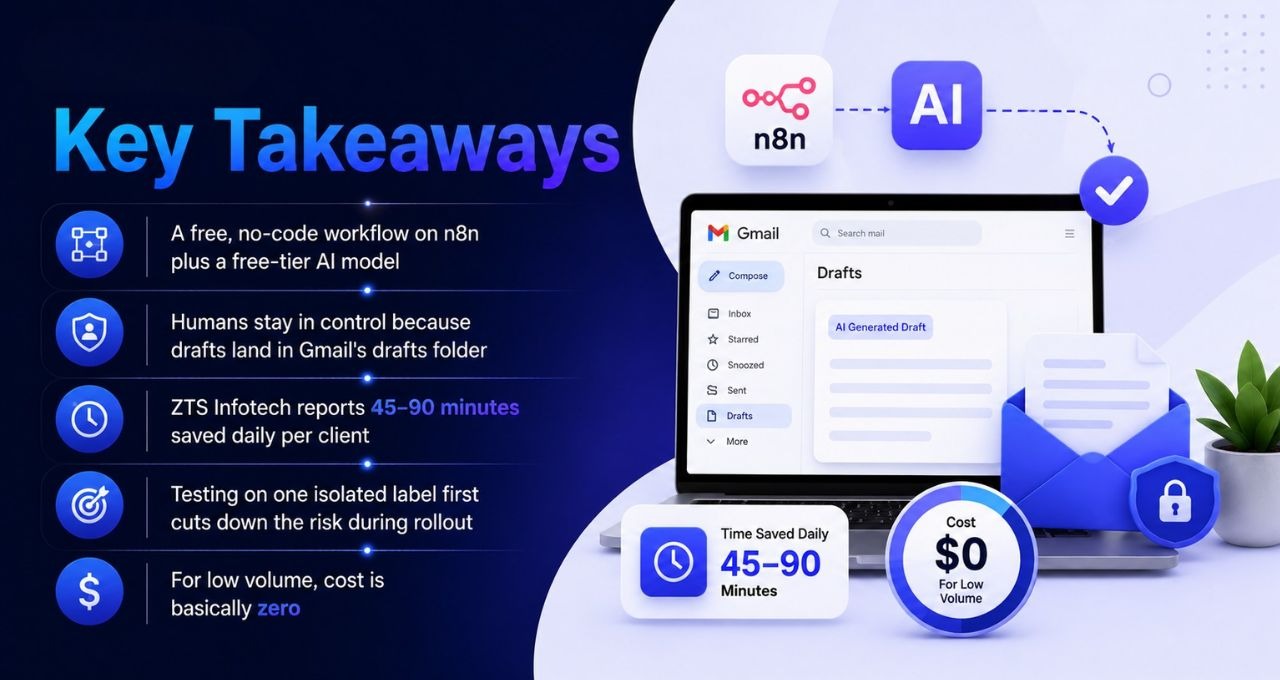
A free, no-code workflow on n8n plus a free-tier AI model can classify email, flag what's urgent, and draft replies.
Humans stay in control because drafts land in Gmail's drafts folder — never the outbox, ever.
ZTS Infotech reports 45–90 minutes saved daily per client, already live in India, the UK, and the USA.
Testing on one isolated label first cuts down the risk during rollout, by a lot.
For low volume, cost is basically zero — so budget stops being a reason to keep putting this off.
Business Impact
Why business owners should care: Email triage drains time no matter what industry you're in, and this removes a real chunk of it for close to nothing — with a human still approving everything before it ships.
Industries affected: Sales, customer support, professional services — pretty much any small or mid-sized business without dedicated inbox staff.
Opportunities created: Faster replies to sales leads, fewer urgent messages slipping through, a low-risk way into AI automation that can grow later if it works.
Potential risks: Misclassified emails or clumsy drafts if the prompt's not tuned well; leaning on it too hard without checking the accuracy every now and then.
Recommended actions: Start on a limited test label, watch the accuracy and time savings closely, keep a human reviewing everything before it goes out.
Frequently Asked Questions
1. Do I need coding experience to build this?
Not really, no. It's n8n plus a system prompt written in plain English. No programming required.
2. How much does this cost to run?
For low volume — free. n8n's free tier, plus a free API key from something like Gemini Flash.
3. Will the AI send emails on my behalf without my approval?
No. It drafts, drops the draft in Gmail, and a person reads and sends every single one. Every time.
4. What exactly does the AI do with each incoming email?
Sorts it — sales, support, urgent, newsletter — writes a short reply, flags anything urgent right away.
5. Is it safe to point this at my main inbox right away?
Test it first, seriously. Use a separate label for a week or so before opening it up fully.
6. Which AI models work with this setup?
GPT-4o Mini from OpenAI, or Gemini Flash from Google. Both free-tier; either is plenty for low volume.
7. How much time can a business realistically expect to save?
ZTS Infotech says clients typically get 45 to 90 minutes back a day from triage alone, with this exact setup.
8. Is this workflow actually used in production, or just a demo?
It's running on real client accounts across multiple countries, per ZTS Infotech. Not sitting on a shelf somewhere.
Conclusion:
Automated tales tend to be exaggerated. This tale is quite the reverse because its smallness is what makes it work. The automation tale is neither looking to take away judgment nor tone nor the connections a company has built with clients through many years. It simply makes the tedious task easy and leaves you to make decisions. If there has been any time your email box has ever consumed an hour from your tight schedule, then this story is a good point to begin with.
For more insights, click here and subscribe to us.
Stay connected.
-

Writen by Anirban Das